
One-click recording
Press Record and Echorie captures your microphone and the apps you choose: your instrument software, a video call, a game you are streaming. No drivers, no virtual devices, no setup.
Record · Edit · Listen
Echorie records your voice and the apps you create with, lets you shape it on a multitrack timeline, and keeps your finished tracks in playlists. One calm app, one window, and your work stays on your Mac and in your own iCloud.



Echorie is a warm, focused audio workspace for the Mac. It brings recording, editing, saving and listening together in a single window, so the path from something you hear to something you keep is short, simple and a pleasure to follow.
No subscriptions to set up, no accounts, no cloud. Just your Mac and your sound.
Listen
What Echorie is about
Professional audio software asks you to learn a studio. Echorie asks you to press Record. It follows the way you actually work with sound, in four natural steps.
Hear something worth keeping? One click captures the audio playing on your Mac, written safely to disk as it arrives.
Open it on the timeline. Trim the silence, cut out the parts you do not need, layer tracks and smooth the edges with fades.
Keep it as a finished track, export it as MP3, M4A, WAV or AIFF, or turn the speech into text and subtitles.
Gather finished tracks into playlists and enjoy them right in Echorie, even while you browse or work in other apps.
Features
Powerful where it counts, simple everywhere else. Every tool sits exactly where you expect it.
Press Record and Echorie captures your microphone and the apps you choose: your instrument software, a video call, a game you are streaming. No drivers, no virtual devices, no setup.
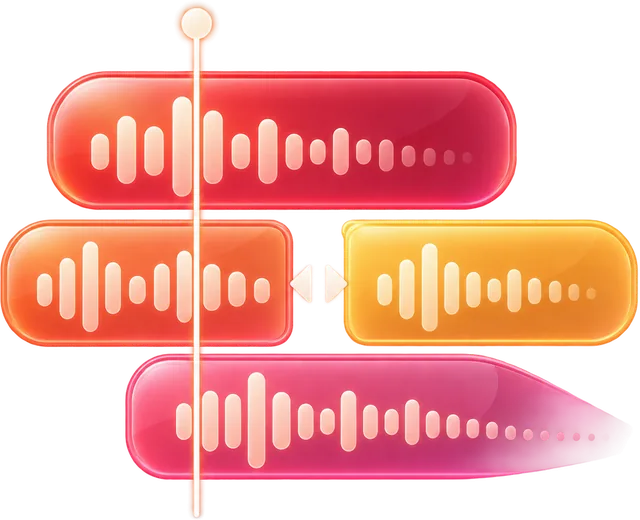
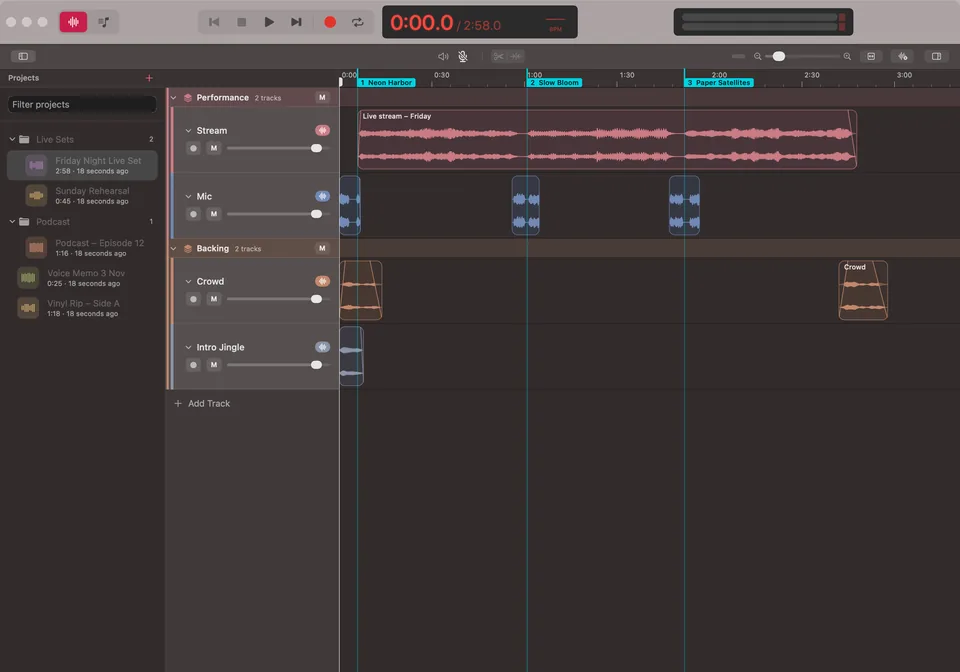
Up to 64 tracks with clear waveforms. Split, trim, move and overlap clips, join pieces back together and give each track its own color and level.

Drag a handle to fade in or out, then choose the shape: linear, equal power, exponential or S-curve. The waveform shows exactly what you will hear.

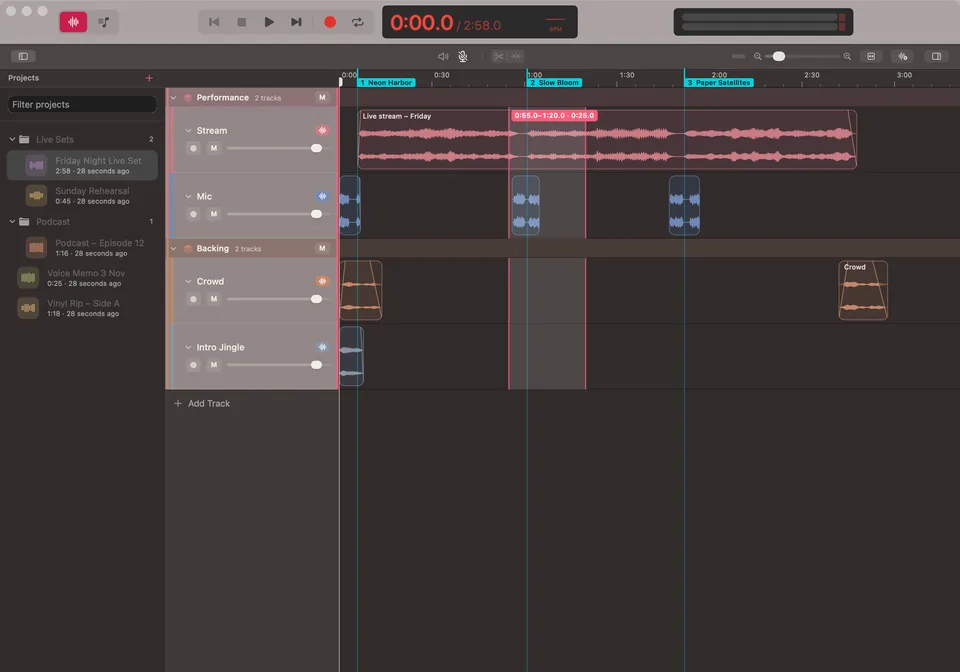
Set a loop from your selection or draw it on the ruler, and let a passage repeat until every edit sounds right.

Turn a recording, a clip or a finished track into plain text or subtitles with timestamps. Recognition runs entirely on your Mac.
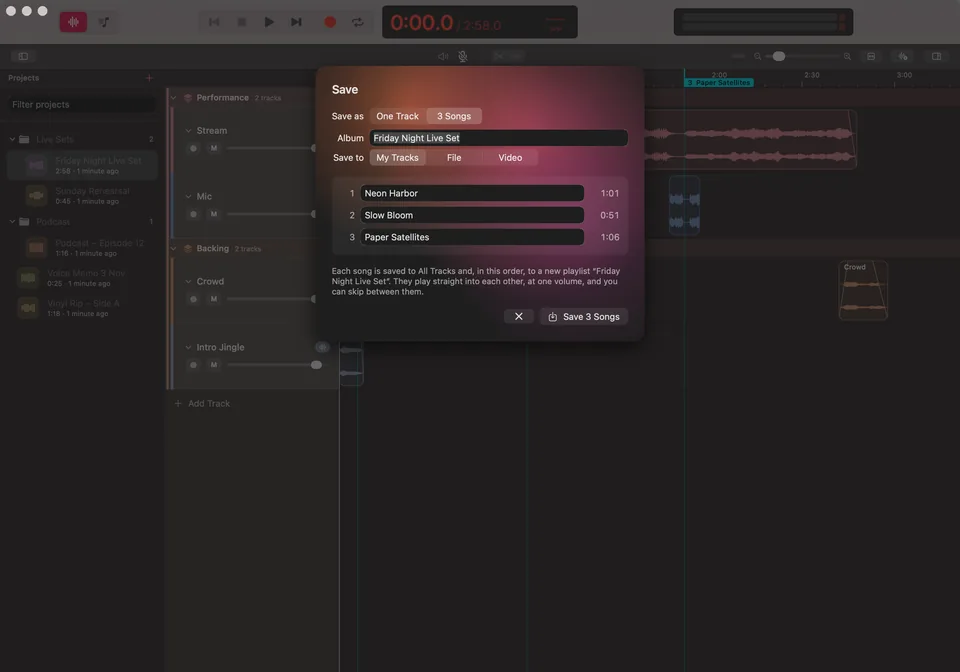
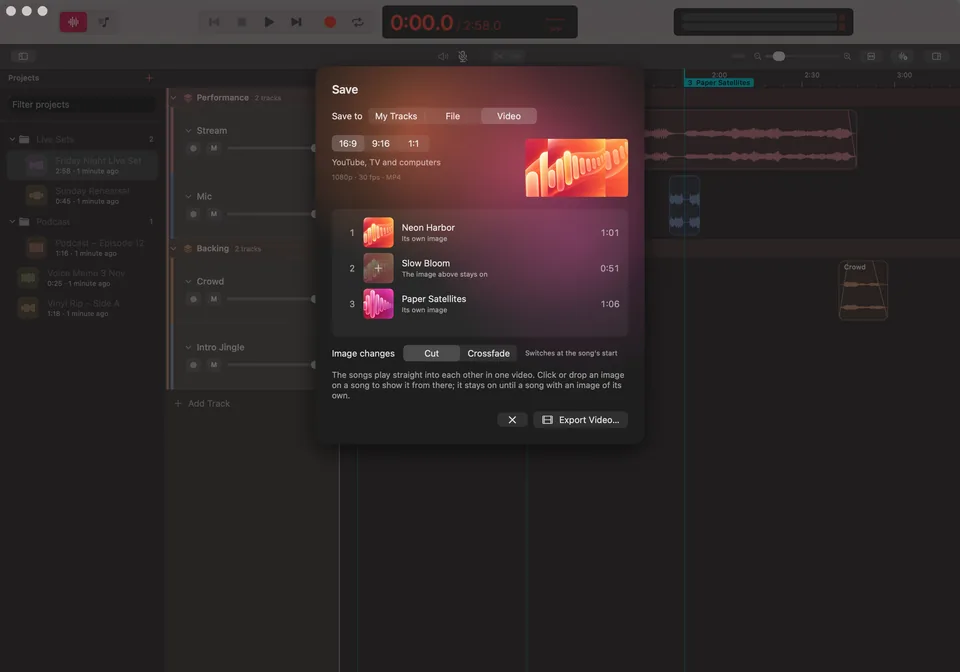
Keep the result as a finished track in your library, export MP3, M4A, WAV or AIFF with a choice of quality, or do both at once.
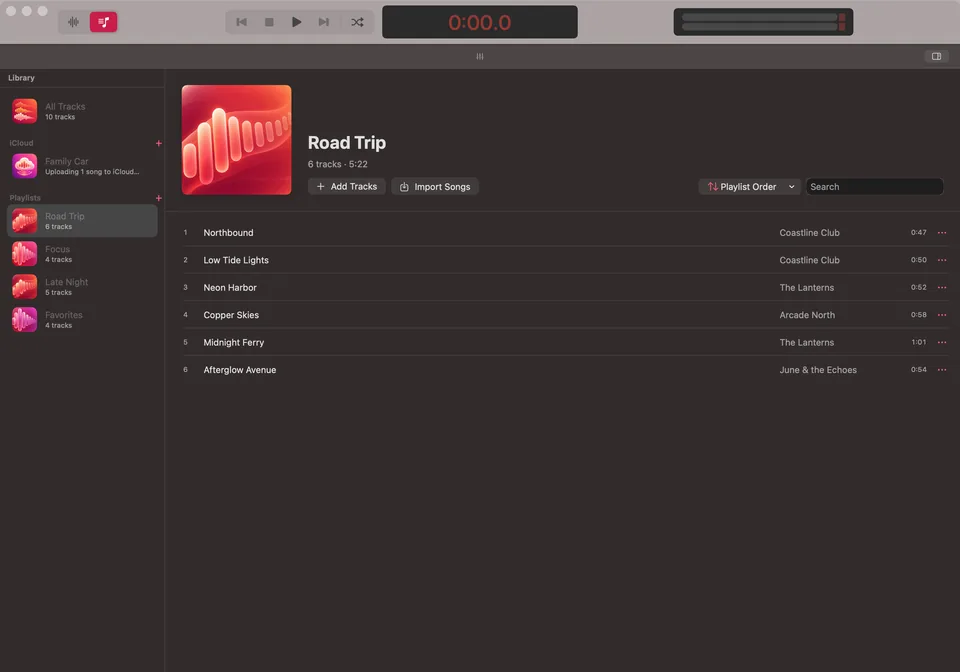
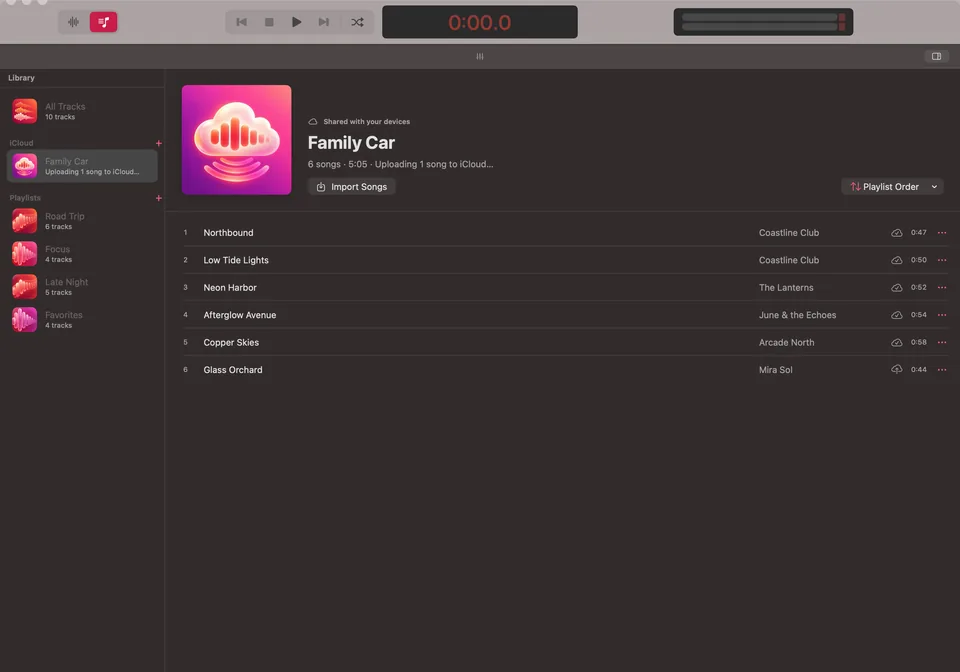
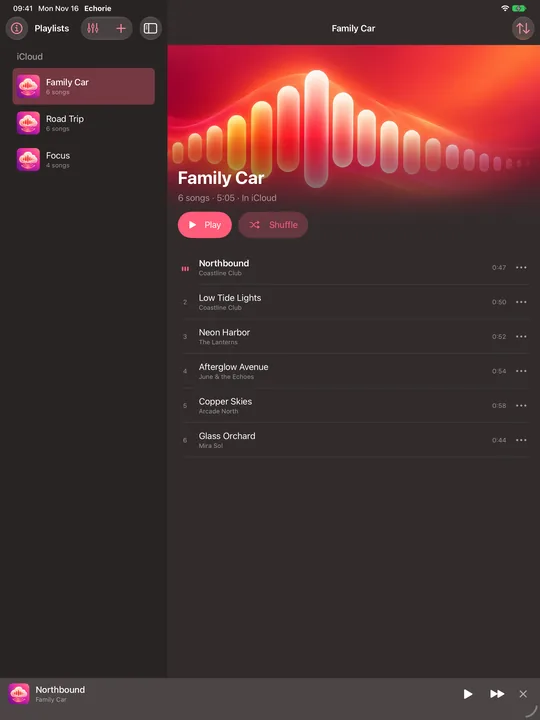
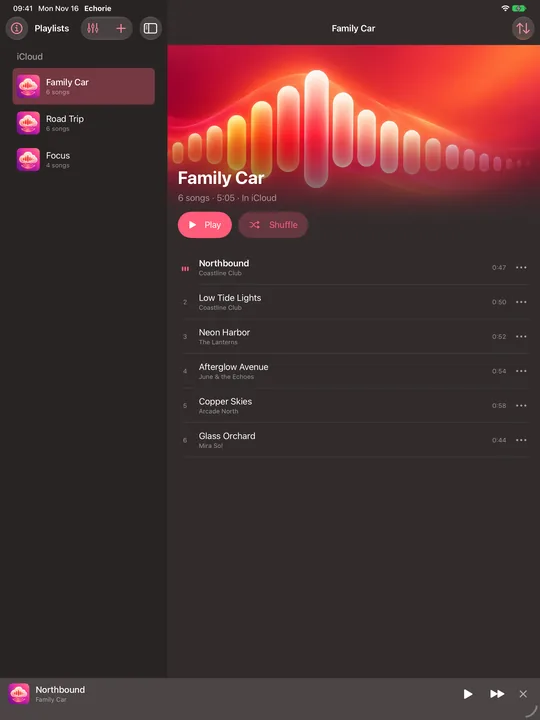
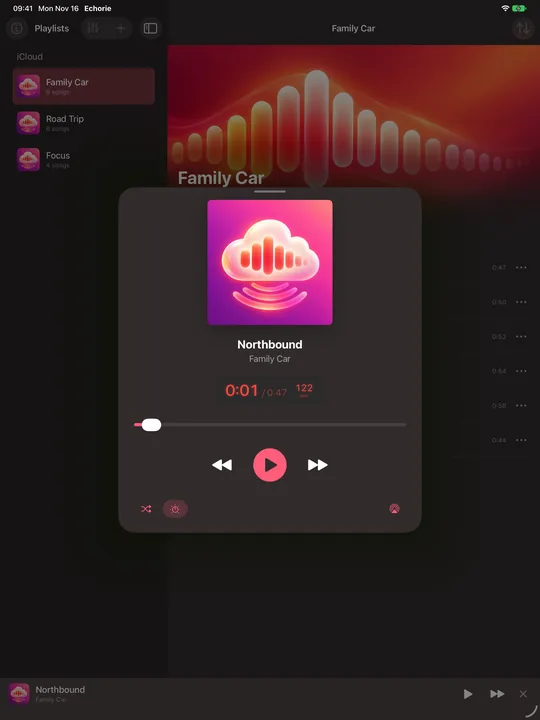
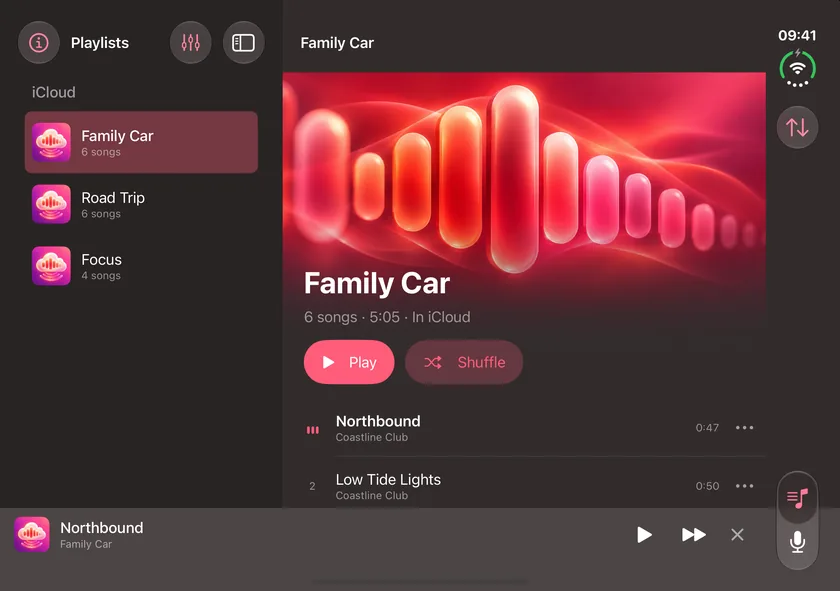
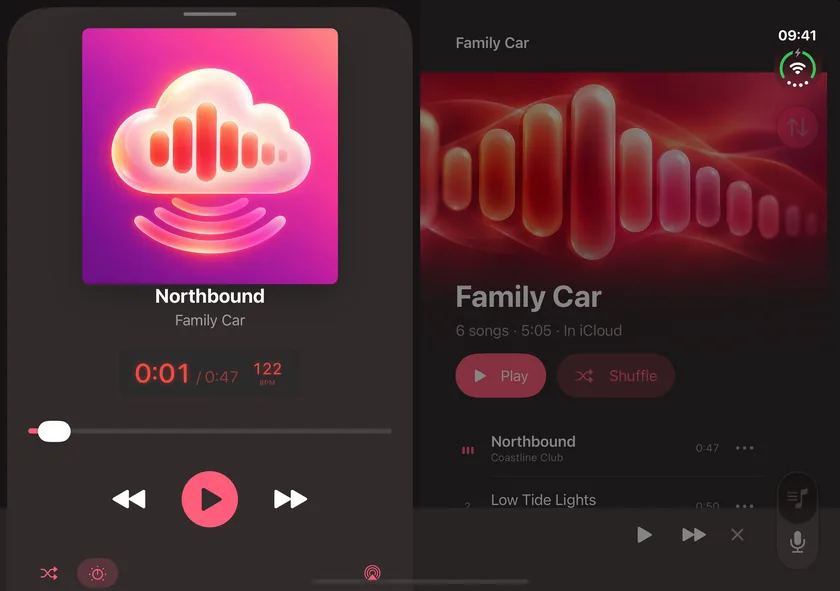
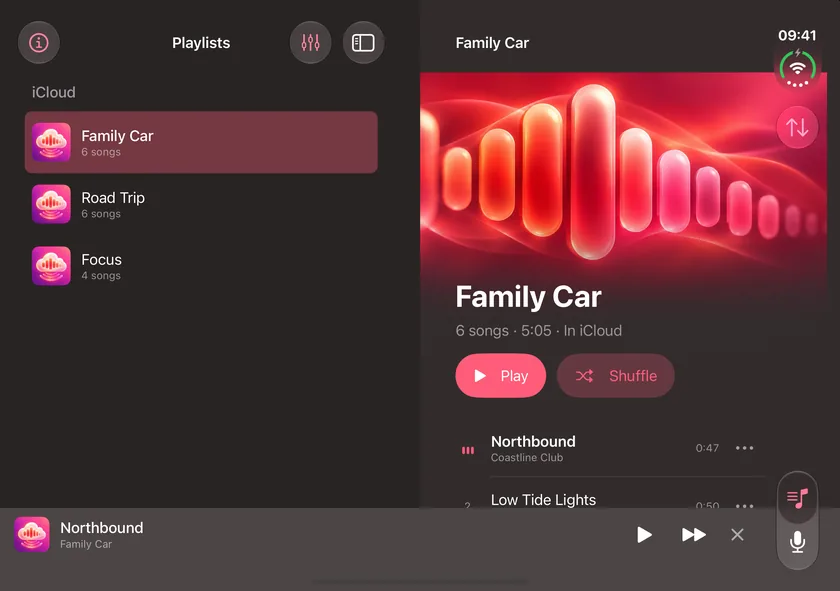
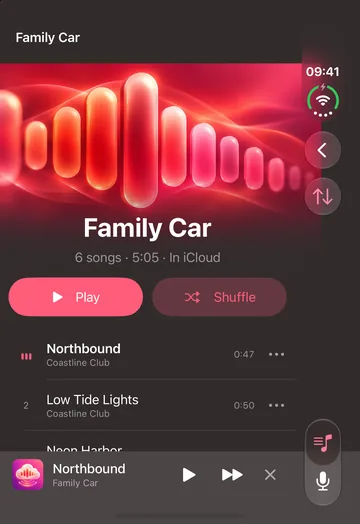
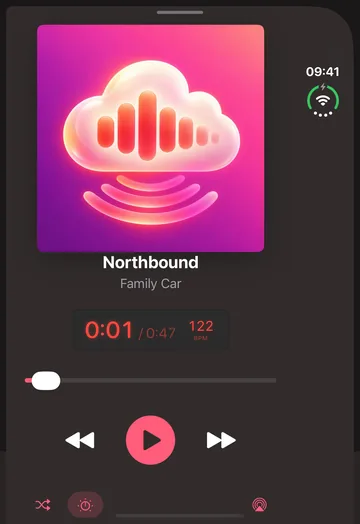
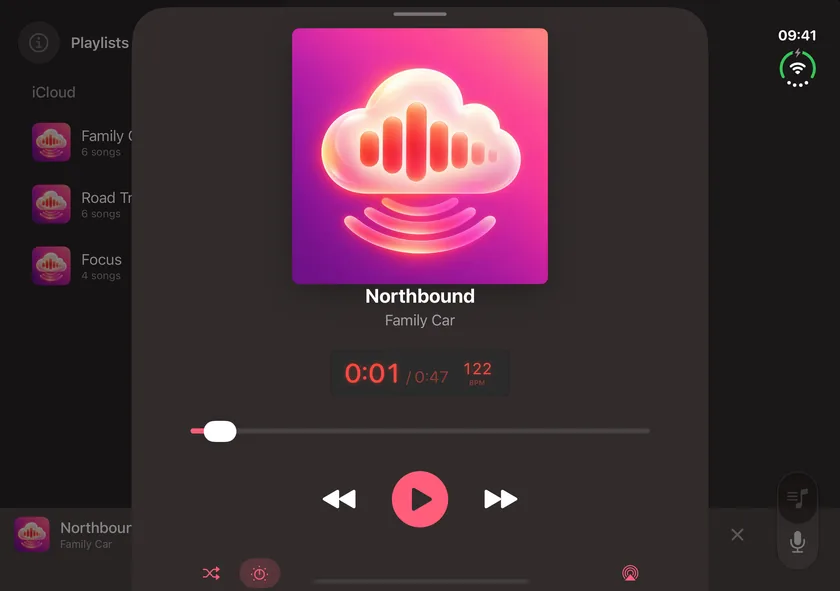
Collect finished tracks into playlists with warm cover art, reorder them by dragging and keep listening while you work.

Every edit is non-destructive and can be undone. Your original audio stays untouched, and projects save themselves as you go.
A look inside
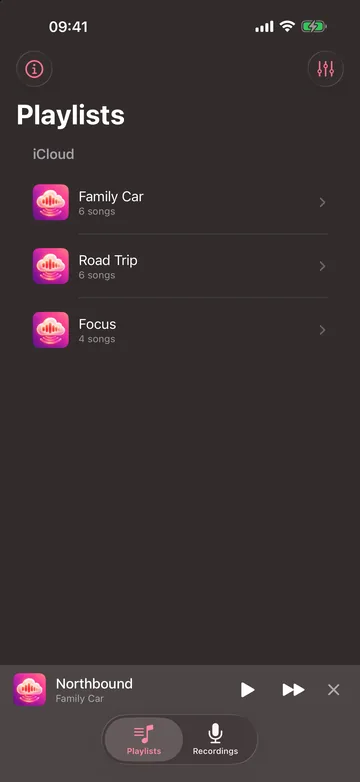
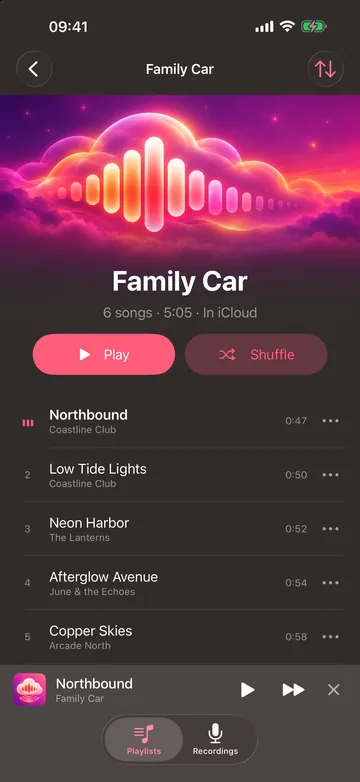
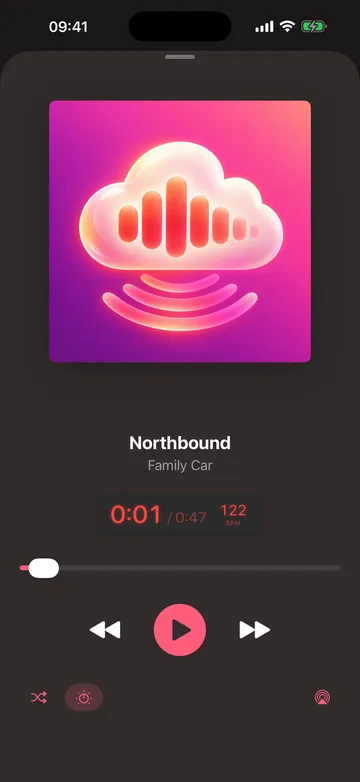
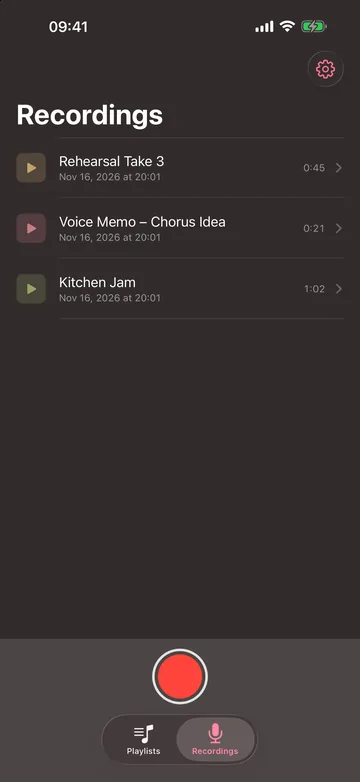
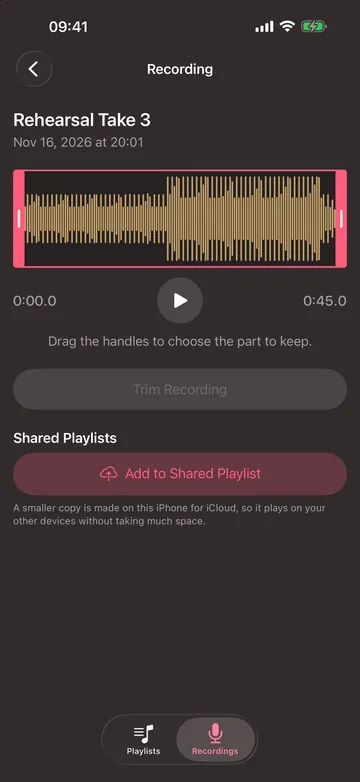
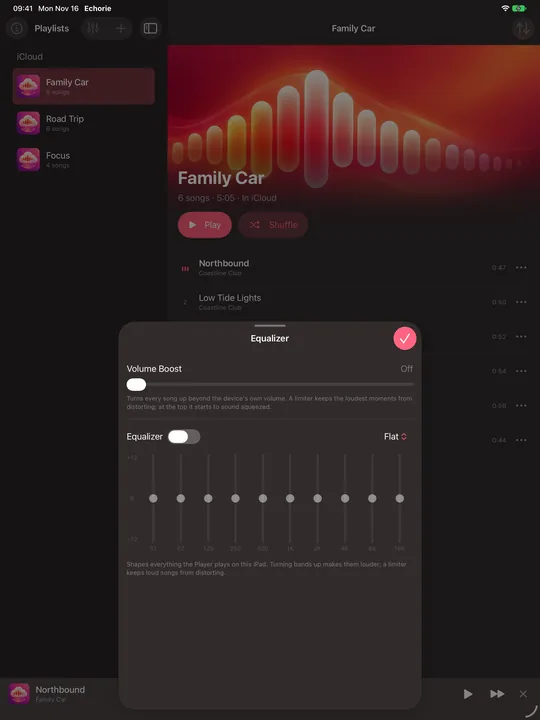
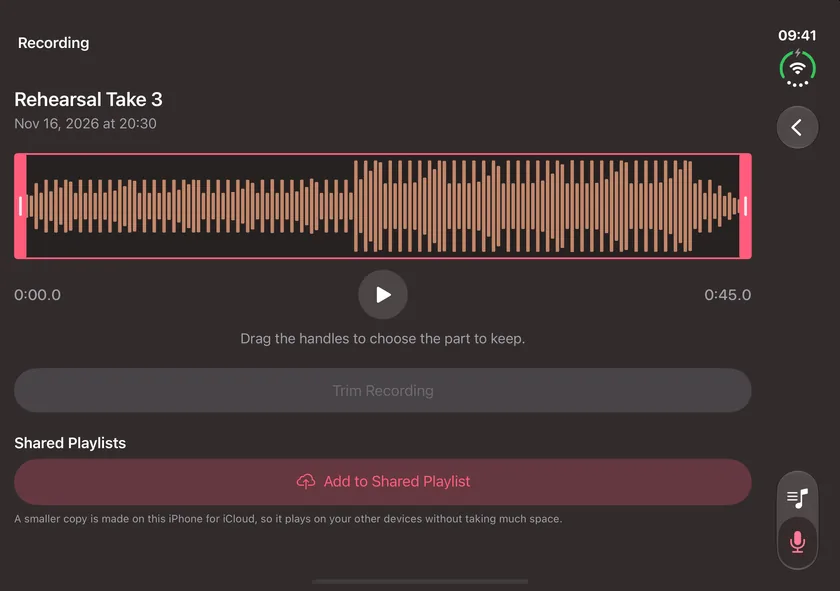
Record and edit on the Mac, with dark, focused work areas and a hardware-style time display. Then play your shared playlists on iPhone, iPad and iPhone Duo.
Why Echorie

A live performance, an interview, a lecture, a sound you will never find again. When it plays, Echorie is ready.

Try anything. Echorie never changes your original audio, so every idea is safe to explore.

Your recordings are yours alone. We never receive them.